Traffic Cardinal
wrote March 04, 2026
Traffic Cardinal
wrote March 04, 2026
Traffic Cardinal
wrote March 04, 2026
Traffic Cardinal
wrote March 04, 2026
Affiliate accounts on socials are full of undeniable effort: carefully engineered hooks, fresh formats, trend sounds, well-written and SEO-optimised captions… every detail is polished to a shine so that the algorithm gods stay pleased.
But wouldn’t you know it, these platforms don’t really like outbound clicks. They’d rather keep users scrolling than let them leave. So you get one reliable exit – the link in your bio. One tiny step between a curious profile visit and a commission. Yet most affiliates treat this link like a parking lot for random URLs when it can do so much more than that.
Let’s talk about why link-in-bio tools deserve a spot in your funnel, which options on the market make sense depending on the way you run your traffic, and how to design this page in style so it doesn’t end up looking tacky and chaotic.
The Reality Behind the Link in Bio
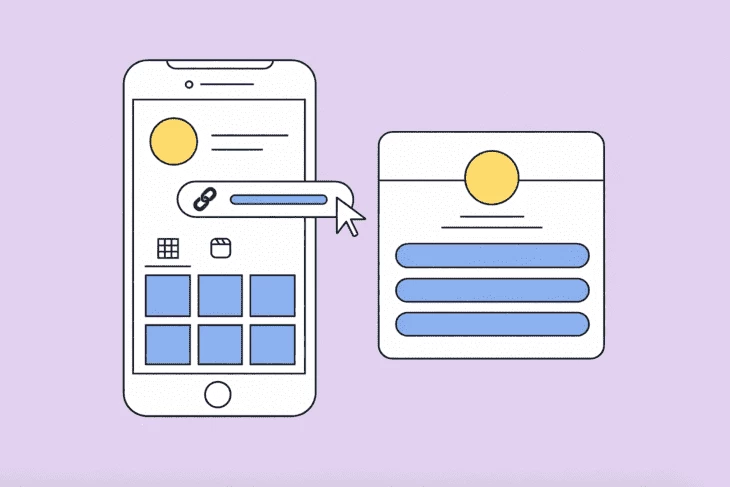
If the concept of a link in bio somehow passed you by, let us explain. In social media lingo, it’s a clickable URL in your profile description. Not in your post, video caption or comments. Like we said earlier, it’s the one outbound point most accounts have, the link people are told to check when captions can’t do the job.
And captions usually can’t. We used to assume that linking out from socials should be easy. After all, it’s the internet. But social networks never had the slightest intention of giving us free rein to drop URLs wherever.

Instagram will let you add clickable links in your bio and pop a link sticker in stories. Not bad, right? However, a link dropped into a caption is just text. So it won’t lead anywhere, unless a user is persistent enough to tap, hold, copy and paste it into their browser. Yeah, like anyone’s gonna bother with that.
TikTok isn’t much friendlier. You have to hit specific requirements (having enough followers or a business account) or you might not see a “Website” field in your profile at all. Apart from that option – you are out of luck. There’s nowhere to casually slip a clickable link into a video or its caption.
Pinterest is a bit more generous: you can attach affiliate links straight to your pins. But your profile still only gives you one main website field. So if you have multiple destinations in mind for your traffic, they all have to fight for space inside that single slot. Affiliate offers, presell pages and lead magnets in one place – that might feel a little crowded, don’t you think?
Where does that leave us? Well, the platforms are obviously happy to hand out bits and pieces, but never the whole linking kit most affiliates want. Their loss, because thanks to special tools, we still can make a small but structured hub out of a lonely redirect.
Why It’s Especially Handy for Marketers
Creators on socials usually treat the link in bio as an extension of their personal “mood board”. Fonts, colour palette, gradients and shadows need to look cohesive and on-brand. But affiliate marketers don’t use this link to complete the aesthetic. Their link is supposed to do a job.
Not an ugly kind, though – we are not advocating visual negligence here. And who would click ugly on purpose, anyway? We’ll get to design in a bit, don’t worry. For now, the primary question goes beyond appearances: does this page give you control?
Oh, very much so!
First of all, that link in your bio can act as an extra layer between your social traffic and the affiliate site. Basically, it’s a kind of pre-lander. Through it, you can highlight the right angles or tweak the wording so it lands exactly the way it should with your audience. Because social traffic is often… raw. One person clicks out of curiosity, another wants to compare options, and the third (there are usually plenty of those) doesn’t fully get what you are even offering, they just clicked. A link working as a pre-landing page gives the user a sense of choice. Your job is simply to guide that choice. And one more thing: a pre-lander like this is reusable. Today you focus attention on one offer, tomorrow on another. And later, you can even switch to a different niche altogether. The structure stays and you just need to redirect the flow.
The second reason to use it: nothing is more permanent than change. Rates get cut, offers get shut down or just stop converting. Or the opposite – a new one shows up, with terms so good you are tempted to reshuffle everything overnight. Meanwhile your posts, reels, TikToks and pins are happily sending people to wherever you told them to… months ago. Which might now be the wrong place. A direct affiliate link in your bio boxes you in. You either have to go back and edit old content along with the whole funnel (yes, all of it) or accept that part of your traffic is turning the wrong way. But with a hub layer, you can swap links when you need to, rearrange them depending on priority or remove them completely. All that without touching a single post in the feed.

And if those two weren’t convincing enough, here’s your third benefit: micro-analytics. When working with social traffic, we usually see two metrics. The platform says: this many people viewed the content. The affiliate dashboard says: this many reached the offer and converted. And what happened in between? Who knows. People clicked, yes. But where exactly did they go? What did they choose? Why? Extra analytics inside link-in-bio tools show which specific button got clicked (if you’ve got several). It helps you at least roughly understand what’s really popular and what’s hanging there as dead weight.
Affiliate Checklist: How to Choose the Right Tool
Many link-in-bio tools are made for influencers stacking brand deals. As an affiliate, you need a proper solution which can keep up with your routines and won’t fall apart at the slightest hiccup. These are our must-haves:
Real analytics. You should see per-link clicks, compare time periods and at least get basic referrer data.
UTM flexibility. Traffic from different sources shouldn’t be blended into one number, you need to see them separately.
Custom domain support. A random-looking URL might raise questions whereas a clean domain reads more trustworthy, especially in sensitive niches (finance, nutra or iGaming).
Fast mobile load speed. Social users don’t like waiting around – if your page lags, they are gone.
Easy link control. You should be able to reorder links, turn them off instantly or duplicate them for testing.
Pixel support (optional, but good). If you want deeper tracking, being able to plug in a Meta or TikTok pixel is a big plus.
Geo-routing. Also useful if you are sending traffic from several countries and need different offers per region.
Scheduling. Another nice-to-have when campaigns come with deadlines and you’d rather not manually switch things in the middle of the night.
Aesthetics (still matter). It doesn’t need to be a design award winner, but if it looks chaotic or outdated, people hesitate and that hesitation will kill clicks.

Top 5 Link-in-Bio Tools for Affiliate Marketers
If you’d rather not spend your day comparing platforms against the checklist above, we did it for you.
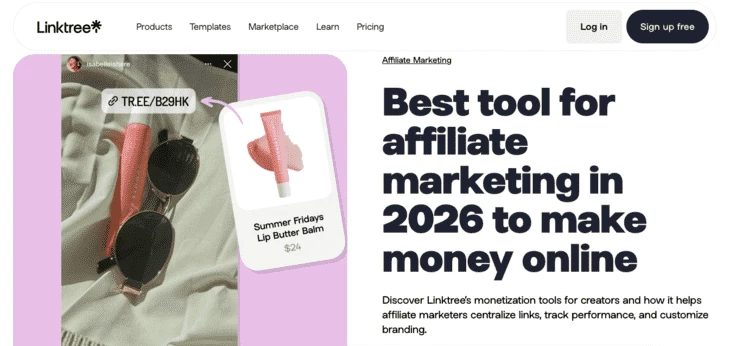
Linktree
Features:
Per-link click tracking (deeper stats on paid plans);
Custom domain support;
Easy link editing and reordering;
Integrations with common platforms and tools;
Option to add simple storefront elements (Linktree Shops).
Aesthetic verdict:
Clean mobile-first layout;
Neutral, modern themes;
Limited deep customization;
Easy to keep simple and trust-friendly.
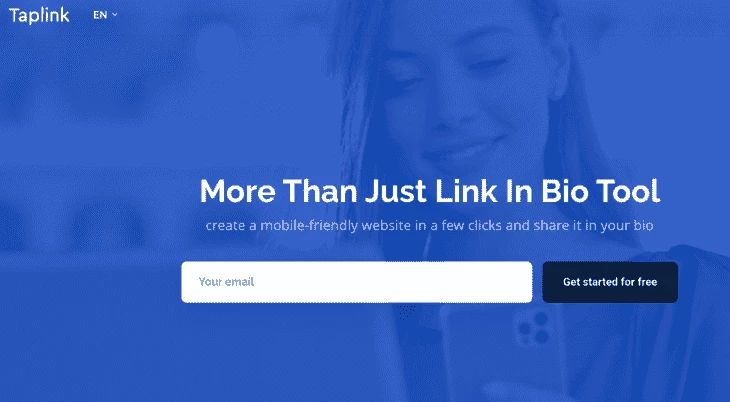
Taplink
Features:
Supports multiple content blocks (links, text, images, video, forms);
Drag-and-drop layout with a large template library;
Lead capture forms and messaging integrations;
Multi-page support within one account;
Custom domain and built-in analytics on paid plans.
Aesthetic verdict:
More design flexibility than basic link aggregators;
Can be structured like a mini landing page;
Wide range of templates and visual elements;
Easier to build a page with your own visual style.
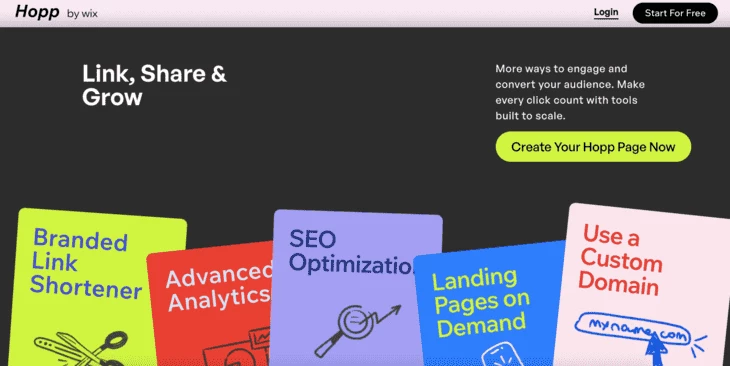
Hopp (by Wix)
Features:
Multi-link bio pages with customizable sections;
Built-in short links with click tracking;
Basic performance stats (click counts, link-level data);
Custom branding options, including domain support;
Can connect with other Wix products if you already use their services.
Aesthetic verdict:
Balanced, uncluttered interface;
Flexible spacing and layout arrangement;
Neutral visual style doesn’t overpower the links;
Polished and not overly templated.
Beacons
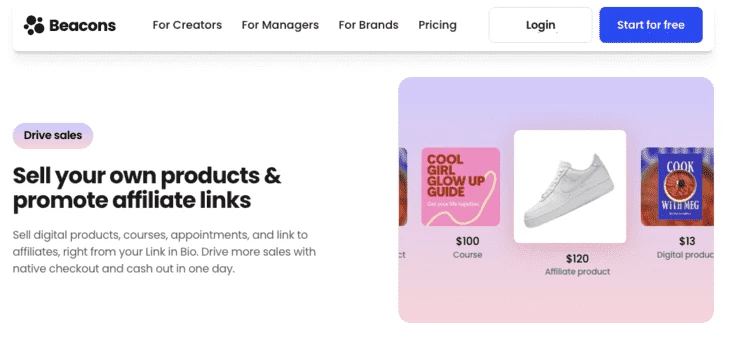
Features:
Multi-link bio pages with blocks for links, embeds and rich content;
Built-in analytics showing clicks and basic traffic breakdowns;
Email capture and integration with mailing tools;
Support for monetization features (tips, paid content, monetized links);
Custom domain support on paid plans.
Aesthetic verdict:
Visually modern and polished out of the box;
Flexible block types let you include more than just links;
Easier to add personality through visual expression;
Templates and layouts look presentable but not overdone.
Carrd (DIY Option)
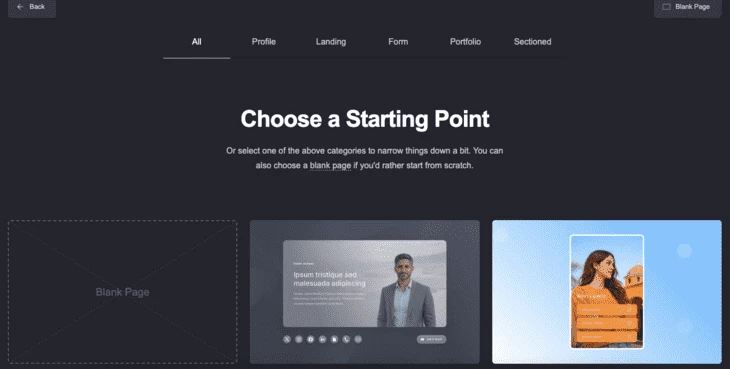
Features:
One-page site builder suitable for simple pre-landers;
Full control over layout, text, images, and sections;
Custom domain support (even on affordable paid plans);
Form integrations (email capture via third-party services);
Can embed scripts, including pixels and tracking codes;
Affordable pricing compared to full website builders.
Aesthetic verdict:
Complete control over structure and spacing;
Minimal templates as a starting point, not a limitation;
Can be ultra-simple or more detailed;
Presets give you a base, but the final look is yours to shape.

Design Rules for Affiliate Link-in-Bio Pages
Just a few basic tricks can make your link-in-bio page work better:
One main action. It’s important to decide what your priority is and make it obvious through the top link. Otherwise, attention will be scattered, which reduces the chance of any click at all.
Keep it tight. A short list is easier to scan, so 3-6 links are usually enough. More options will turn your page into a decision exercise.
Order is strategy. The first link gets the most attention, supporting links follow. Anything secondary should go lower.
Say what it is. Present the offer clearly. For example, “Unlock the opportunity” is too vague. In comparison, “Get 100% welcome bonus” works much better.
Tone down the visuals. Neutral backgrounds and simple layouts look safer in finance, iGaming, SaaS and apps. Bright elements can distract from the action.
Change one thing at a time. Adjust the button text, the order or the top offer, then compare results. Even small tweaks in copy or sequence can improve your numbers.
Make disclosures subtle. A simple footer note is enough, it doesn’t need to dominate the page.
Conclusion
Social media users are already trained to check the link in bio for more details – creators made that habit stick. And affiliates shouldn’t ignore it. Even if platforms never made outbound traffic especially convenient, that single link can still be shaped into something useful with the right tools and a bit of intention. Hopefully, this helped you see that small but tricky page differently and use it a little more wisely.